User Guide
CodeAlta is a workspace for agentic coding: your projects, the sessions of your agents, the providers they run on, and the tools they use, in one place.
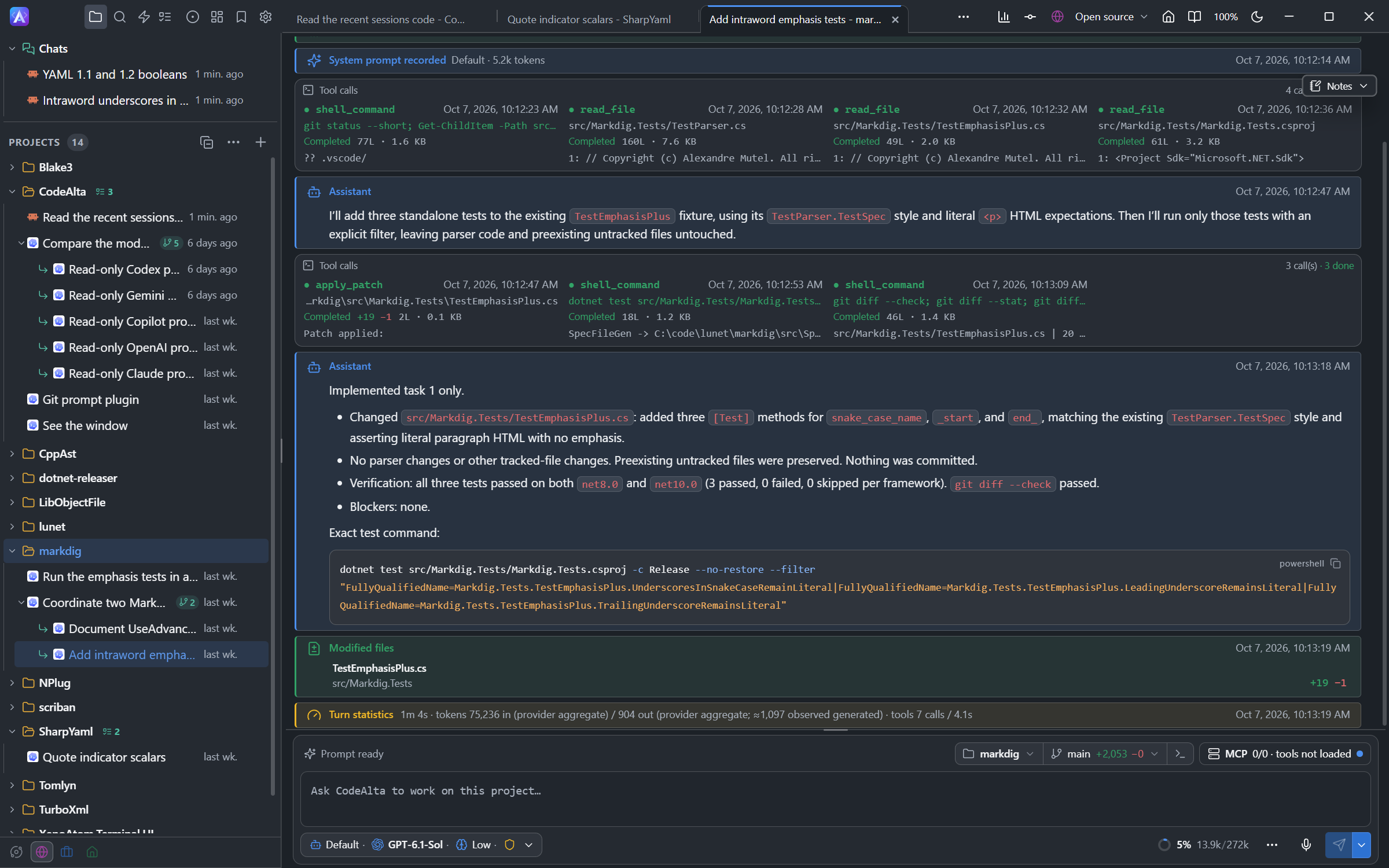
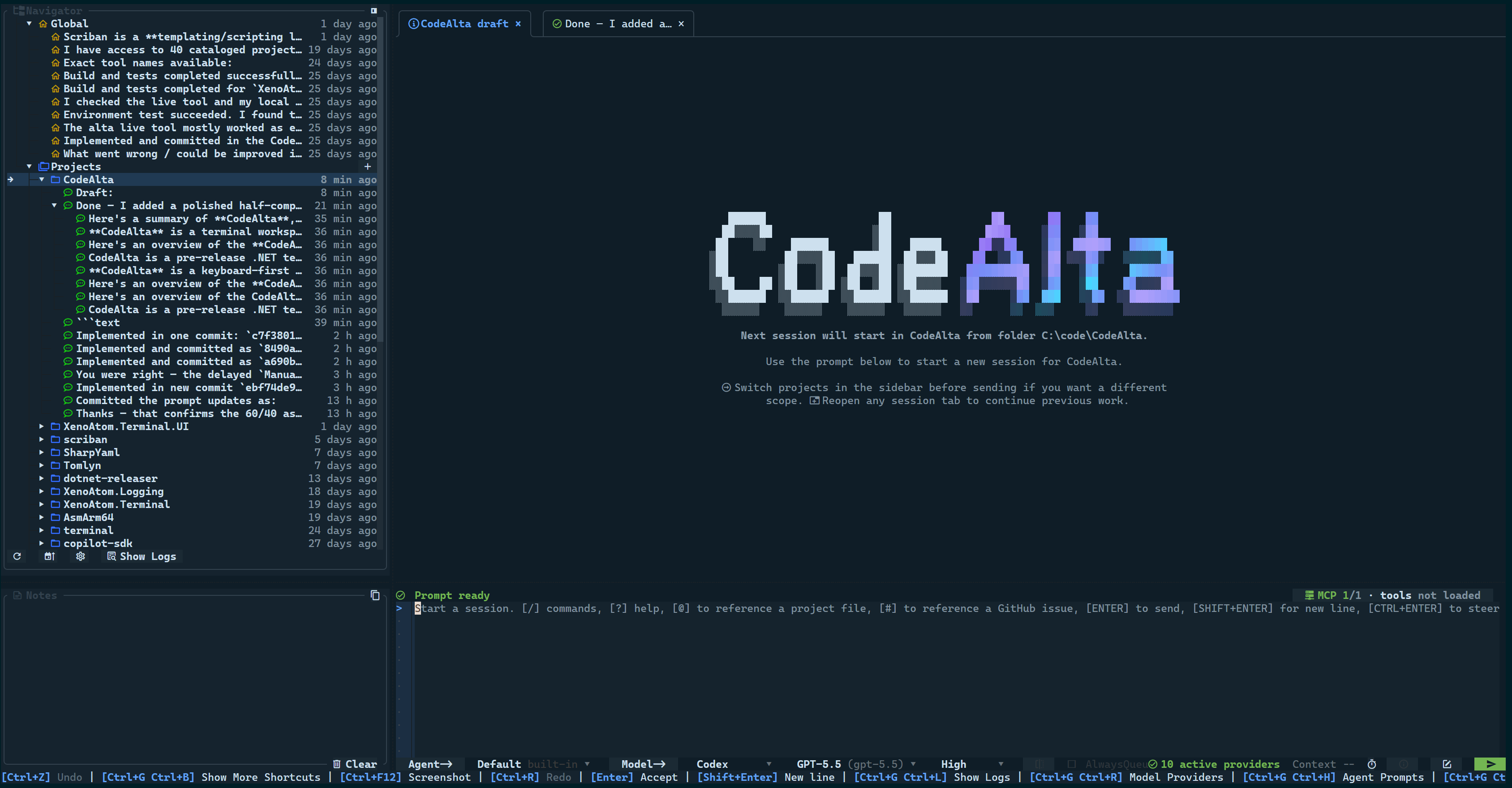
It comes as two apps that run the same agents on the same ~/.alta profile:
- CodeAlta Desktop, the
altacommand, is the app we recommend: tabs you can split or move to windows of their own, a code editor, terminals, git changes, automations and one Settings window. - CodeAlta TUI, the
altatuicommand: a keyboard-first terminal UI.
CodeAlta CLI, the altacli command, runs the same agents without a window, for scripts, CI and editors: see Command Line.
This guide applies to the two apps. Screenshots have a Desktop / TUI switch, and pages point out where the two apps differ.
Start here
- Getting Started: install, launch, set up a first provider and send a first prompt.
- Desktop and TUI: what the two apps share and what the desktop app adds.
- Model Providers: subscriptions, API keys, local models and ACP agents.
- Workspace: the window, the prompt and the timeline, the code editor and terminals, Settings.
- Sessions: queues, steering, compaction, fork and rewind, and the work agents delegate.
Working with agents
- Agent Prompts: Default and Plan modes, and prompts of your own.
- Model Tiers: run a session on Complex, Standard or Quick, fall back to the next model when a provider runs out of quota, and resume when the limit resets.
- Spaces: a setup for each kind of work, with its projects, providers, tools and identity.
- Worktrees: sessions that work in a git worktree of their own.
- Reviews: comment on a plan, a file or changes, and have agents wait for your approval before they commit.
- Work Items: the tasks agents propose, the plans you approved and the reviews in flight.
- Bookmarks: the messages and sessions you marked.
- Automations: prompts run on a schedule, on a new issue or pull request, or on demand.
Tools and integrations
- Command Line: run a prompt from a script, a CI job or a benchmark with
altacli, or serve CodeAlta to an editor over ACP. - Search: find earlier conversations, plans, skills and tools by what they are about.
- Speech to Prompt: dictate a prompt with a speech model that runs on your computer.
- Issues and PRs: issues and pull requests from GitHub, GitLab, Azure DevOps, Bitbucket or Jira.
- Copilot Layout: the instructions, skills, agents and MCP servers a project keeps for GitHub Copilot.
- UI Tools and MCP: an agent sees and drives the window of CodeAlta Desktop.
- Plugins: the built-in plugins, MCP servers, plugins of your own.
- Principles: the ideas CodeAlta is built on.
- Harness Benchmark: CodeAlta against Claude Code and Codex on hard tasks of real projects, with the same models.
- Troubleshooting: logs, broken configuration, sign-in and startup problems.